> ## Documentation Index
> Fetch the complete documentation index at: https://documentation.kotanipay.com/llms.txt
> Use this file to discover all available pages before exploring further.
# Withdrawal Flow
> How to disburse funds to customers via mobile money or bank transfer
A withdrawal is a disbursement — money moves from your Kotani Pay payout balance to a customer's mobile money wallet or bank account.
Your **payout balance** must have funds before you can disburse. If it doesn't, transfer from your deposit balance first — see [Balances & Settlement](/v3/essentials/balances-and-settlement).
***
## Before You Start
* An API key — see [API Keys](/v3/getting-started/api-keys)
* A funded payout balance in the disbursement currency
* A customer record for the recipient — see [Create Customer](/v3/api-reference/customers/mobile-money/create)
* A `callbackUrl` on your server
***
## Mobile Money Withdrawal
**1. Create the customer** if you haven't already. The customer record holds the recipient's phone number and network details.
**2. Initiate the withdrawal** — call [POST /api/v3/withdraw/mobile-money](/v3/api-reference/withdrawals/mobile-money) with your `callbackUrl`. The API responds immediately with a `PENDING` transaction. Your payout balance is debited at this point.
**3. The recipient receives funds.** If the disbursement succeeds, the customer receives an SMS confirmation from the mobile money network.
**4. Kotani Pay notifies you** via your `callbackUrl` when the transaction settles:
* `SUCCESSFUL` — funds delivered to the recipient
* `FAILED` — disbursement failed (invalid number, network error, etc.); your payout balance is **automatically reversed**
If you have a webhook secret configured, the callback arrives in a signed envelope with `X-Kotani-Signature`, `X-Kotani-Event`, and `X-Kotani-Integrator` headers. Without a secret, the transaction fields are posted directly to your `callbackUrl`. See [Webhooks](/v3/essentials/webhooks).
**5. Poll for status** if needed — [GET /api/v3/withdraw/status/:reference\_id](/v3/api-reference/withdrawals/mobile-money-status).
***
## Kenya-Specific Withdrawals
Two additional disbursement methods are available for Kenya:
* **Lipa na M-Pesa** — sends to a till number or triggers an STK push — [POST /api/v3/withdraw/lipa-na-mpesa](/v3/api-reference/withdrawals/lipa-na-mpesa)
* **Paybill** — sends to a paybill number with an account reference — [POST /api/v3/withdraw/paybill](/v3/api-reference/withdrawals/paybill)
The flow is the same — initiate, wait for callback, poll if needed.
***
## Bank Withdrawal
Currently supported in Kenya and South Africa.
**1. Get supported banks** for the target currency — [GET /api/v3/withdraw/v2/bank/supporting-banks/:currency](/v3/api-reference/withdrawals/supporting-banks). This gives you the bank codes to use in the request.
**2. Initiate the withdrawal** — call [POST /api/v3/withdraw/v2/bank](/v3/api-reference/withdrawals/bank-v2) with your `callbackUrl` and the recipient's bank account details.
**3. Kotani Pay notifies you** via your `callbackUrl` when the transfer completes or fails — same event structure as mobile money withdrawals.
**4. Poll for status** if needed — [GET /api/v3/withdraw/v2/bank/status/:referenceId](/v3/api-reference/withdrawals/bank-status).
***
## Monitoring from the Dashboard
1. Log in to [integrator.kotanipay.com](https://integrator.kotanipay.com/)
2. Use the **country and currency selector** to filter by market
3. Navigate to **Payouts** in the left sidebar
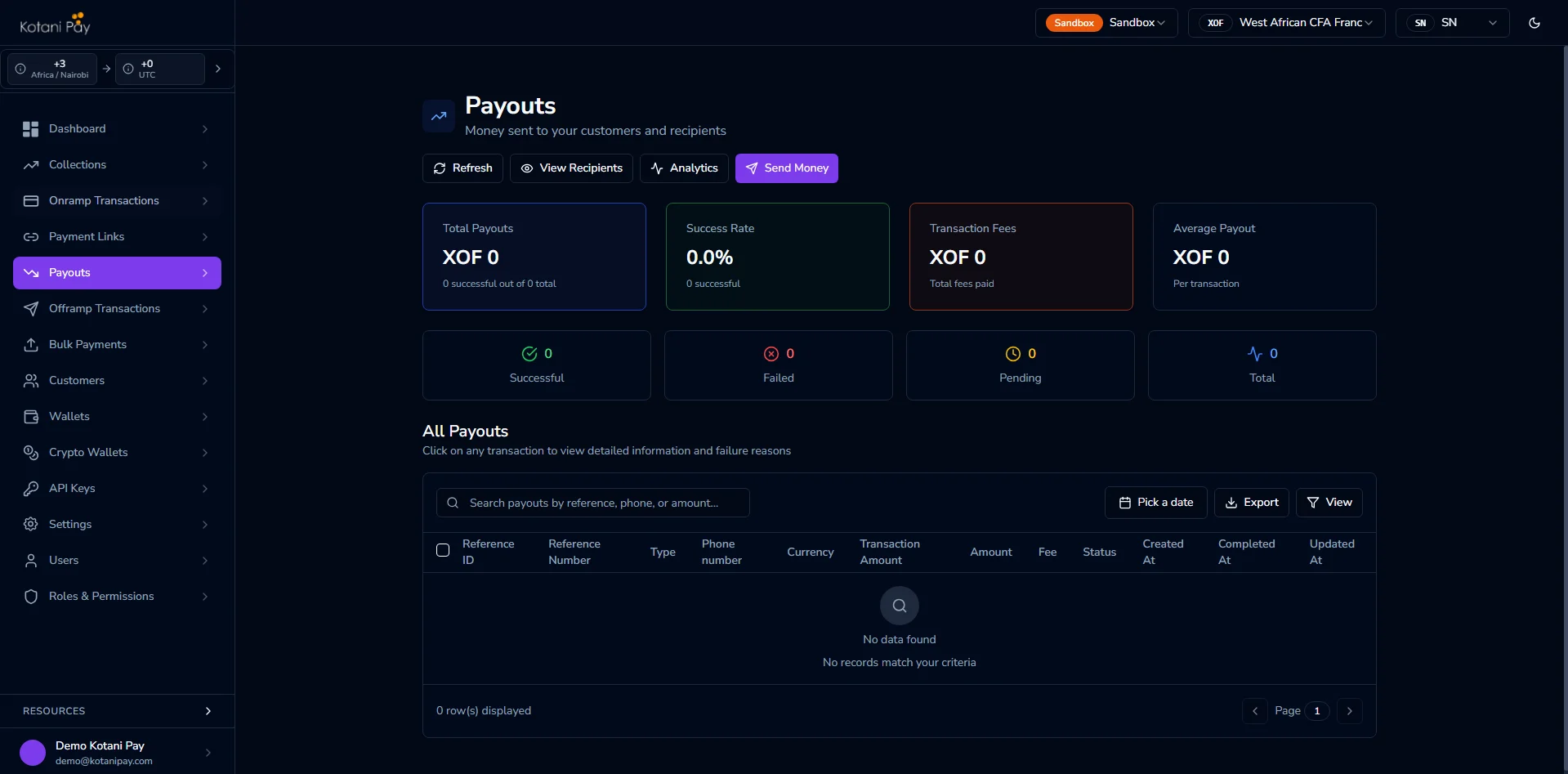
Each row shows the reference, recipient, amount, status, and timestamp. Failed transactions show the error reason.