

Method 1 — Generate from the Dashboard
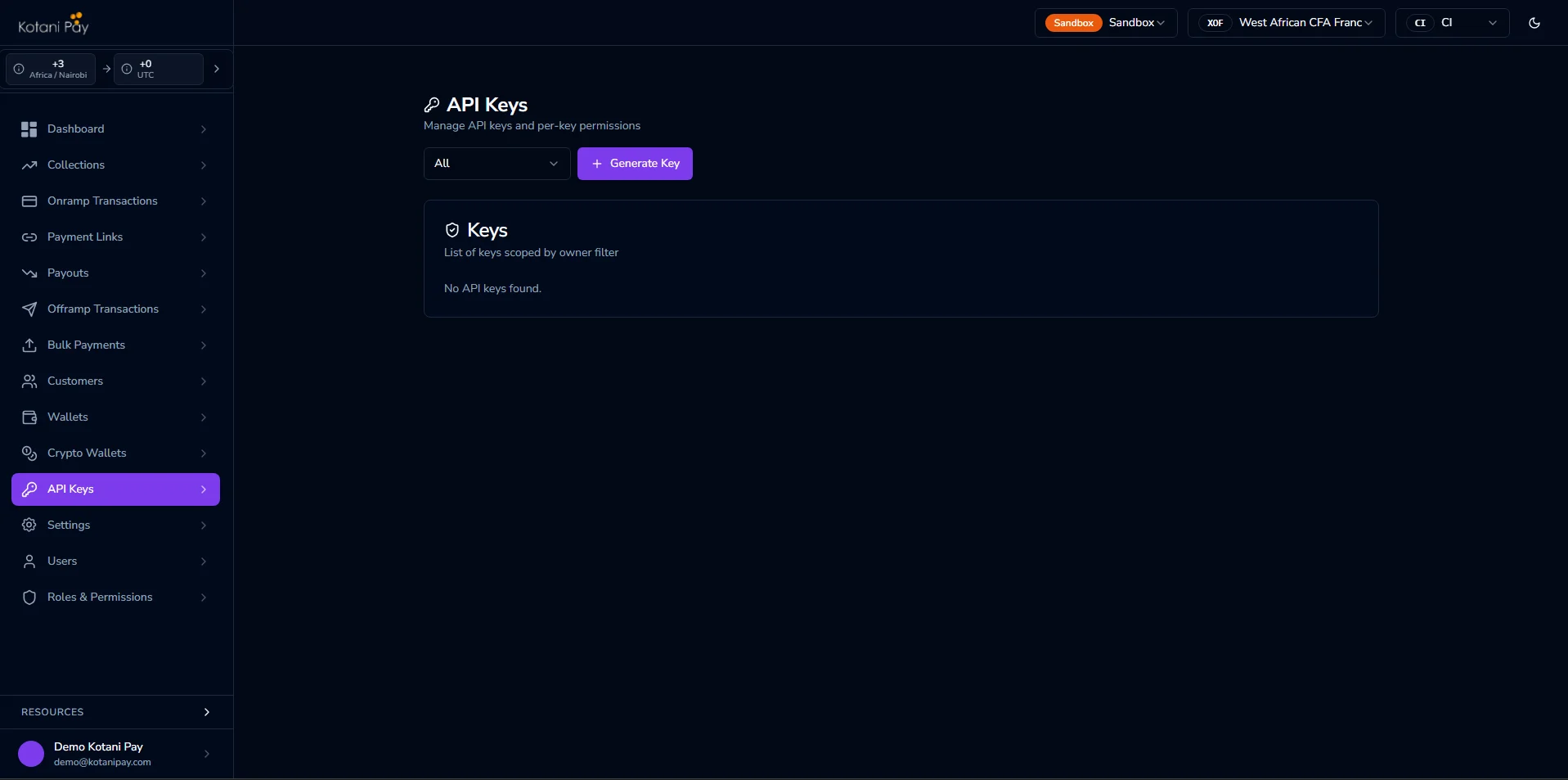
The easiest way to get an API key is directly from the backoffice dashboard.- Log in to integrator.kotanipay.com
- Click API Keys in the left sidebar
- Click Generate New Key and choose the key type (integrator-level or user-bound)
- Copy the key immediately — it will not be shown again after you leave the page
- To revoke a key, find it in the list and click Revoke
Method 2 — Generate via the API
If you need to generate keys programmatically, use the magic link authentication flow to get a JWT, then call the key generation endpoint.Step 1 — Get a JWT via Magic Link
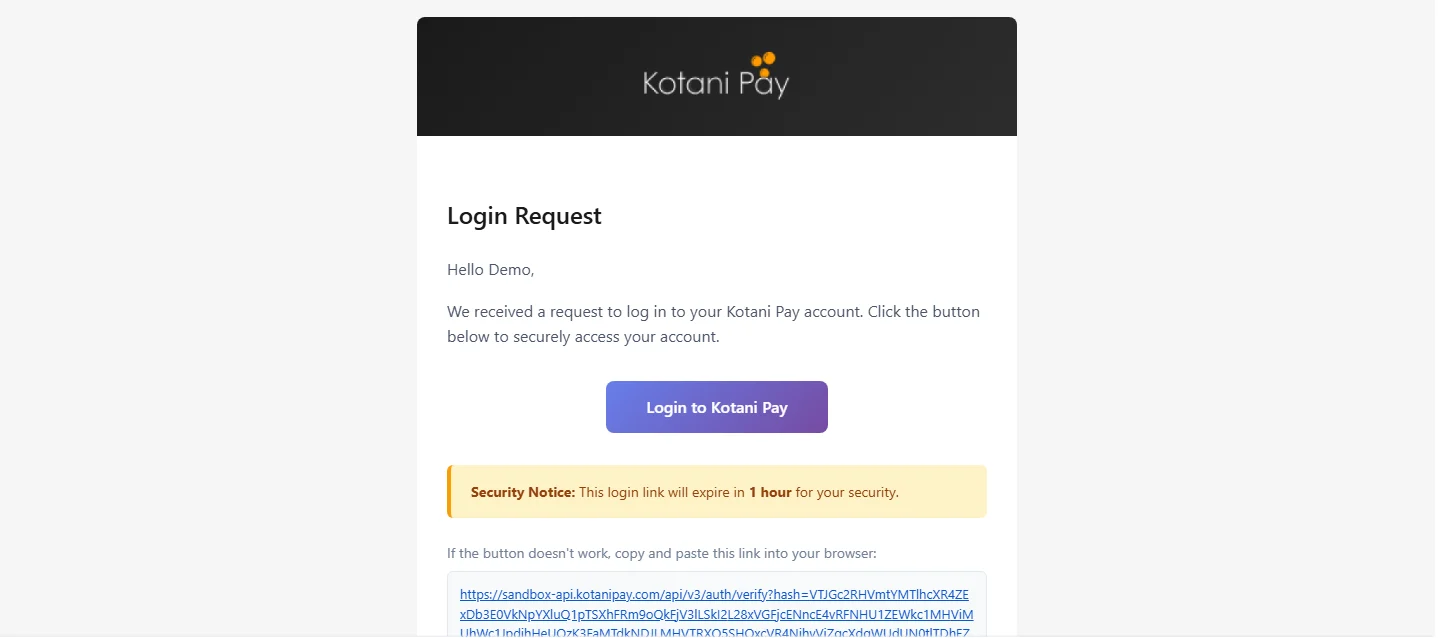
Click the link in your email
Check your inbox for an email from Kotani Pay. Click the Login to Kotani Pay button (or copy the URL into your browser).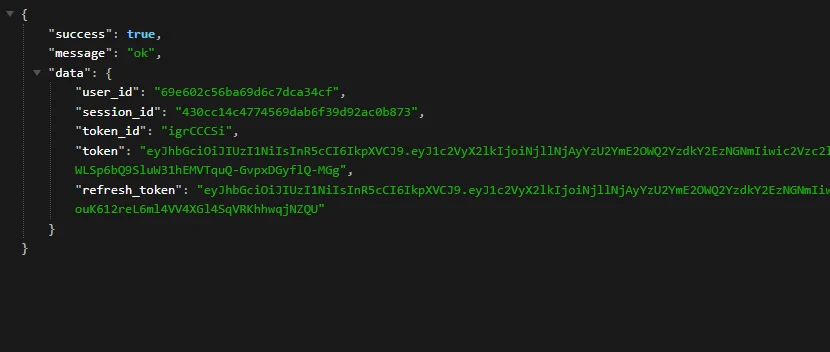
Step 2 — Generate the Key
Two endpoints are available depending on whether you need a signing secret: Key only:secret will not be shown again.
Using the API Key
Include the key in theAuthorization header of every API request:
API Key Types
There are two ownership modes for an API key.Integrator Level
Generated without a user assignment — gets wildcard (*) permissions, meaning full access to all operations. Use this for your main server-to-server integration.
User Bound
Generated tied to a specific dashboard user account. Starts with zero permissions — you assign only what that key needs via API Keys in the dashboard. Useful when you need scoped access (e.g., a key that can only initiate deposits but not withdrawals).Next Steps
Webhooks
Receive real-time callbacks when transactions update — two delivery modes
Balances & Settlement
Understand how your fiat balances work and how to settle